
Sydney Guides: Sydney for Students: The NSW Government provide
A comprehensive guide to Sydney for students, including universities, accommodation, and costs. Sydney is home to some of Australia's most prestigious.
7 min read

A UniFi network uses three layers of hardware: a Cloud Gateway that acts as your router and firewall, a PoE switch that powers your access points.

Tech & Ideas Desk is a contributing writer covering guides and public affairs for The Sydney Times.
A UniFi network uses three layers of hardware: a Cloud Gateway that acts as your router and firewall, a PoE switch that powers your access points, and one or more Wi-Fi access points mounted around your home. All three connect with Cat6 Ethernet cable. The UniFi Network app on iOS or Android manages the entire system.
For most Australian homes, a basic setup consists of a Cloud Gateway Max, a USW-Lite-8-PoE switch, and a single U7 Pro access point. This configuration covers up to 200 square metres in an open-plan layout and handles 20 to 30 devices without breaking a sweat. If you have a double-storey home or thick double-brick walls, budget for one access point per floor.
Sketch your floor plan and mark where you need Wi-Fi coverage. Identify your cable routes. In Australian homes, cables most commonly run through roof cavities. Mark where your NBN equipment is located, because your Cloud Gateway lives next to it, and mark where each access point will be ceiling-mounted.
A single U7 Pro covers about 140 square metres in open plan. A typical single-storey Australian home works with one access point. Double-storey homes need one per floor. For new builds, always rough-in cable runs to at least two ceiling locations even if you start with one access point, because adding a second later is much cheaper than running cable after the plaster is up.
Connect the WAN port of the Cloud Gateway to a LAN port on your NBN modem using a Cat6 Ethernet cable. Connect a LAN port on the Cloud Gateway to Port 1 of the PoE switch. Power on the Cloud Gateway and wait for the LED to show solid white, which takes about 60 to 90 seconds.
Australian NBN heads-up: Most NBN connections use DHCP and work automatically. Some providers, however, require PPPoE authentication. If your internet does not come up after connecting, check with your ISP whether PPPoE credentials are needed and enter them in the Cloud Gateway WAN settings. Aussie Broadband, iiNet, and most smaller ISPs use DHCP. Some Optus and Telstra business plans require PPPoE.
Connect the switch to the Cloud Gateway via the uplink port. Power on. The switch will be detected automatically by the UniFi controller built into the Cloud Gateway. No separate configuration is needed at this stage.
Use Cat6 for all new cable runs. It supports the 2.5 GbE speeds that UniFi WiFi 7 access points can use. Double-brick walls are common in older Australian homes, so route cables through roof cavities rather than along external walls where signal attenuation is worst.
Australian cabling note: Fixed data cabling in Australian homes and businesses must be installed by an ACMA-registered cabler if the work involves in-wall or in-ceiling runs. If you are comfortable working in your roof cavity, you can run the cables yourself, but the final termination and any wiring that passes through a wall must be signed off by a licensed cabler. Budget accordingly.
Connect the Cat6 cable to the access point and mount it to the ceiling using the included bracket. The access point powers on automatically once the PoE switch detects it. No separate power adapter is needed.
Mount access points away from large metal objects, microwave ovens, and cordless phone bases. In Australian homes with metal roof insulation or foil-backed plasterboard, keep access points at least one metre away from the foil layer to avoid signal reflection.
Choose WPA3 Personal as the security standard. WPA2 is still supported for older devices, but WPA3 has been standard on routers since 2024 and any device still shipping with only WPA2 should be treated as obsolete.
Walk through your home with a phone and check signal strength in every room. Run a speed test at speedtest.net to confirm internet performance. If speeds are lower than your NBN plan, check that you are not double-NATting behind your NBN modem. The Cloud Gateway should be the only device doing routing. If your NBN modem is also acting as a router, log in to its admin panel and enable bridge mode or DMZ mode, then let the Cloud Gateway handle DHCP and NAT.
Do I need a separate controller server for UniFi in Australia? No, not if you use a UniFi Cloud Gateway. The controller is built in, with no separate hardware or subscription needed. If you use a third-party router, you will need a Cloud Key or a self-hosted controller, which adds complexity and cost.
Does UniFi work with Australian NBN? Yes. UniFi Cloud Gateways work with all NBN connection types: FTTP, FTTN, FTTC, HFC, and fixed wireless. Most connections use DHCP and require no extra configuration. Some ISPs require PPPoE authentication.
What cable do I need? Cat6 for all new installations. It supports 2.5 GbE speeds required by WiFi 7 access points and is more future-proof than Cat5e. The maximum run length is 100 metres per Ethernet cable from switch to access point.
How many access points does my home need? Most single-storey Australian homes up to 200 square metres need just one U7 Pro, centrally ceiling-mounted. Double-storey homes need one per floor. If you are unsure, measure your floor plan and compare it to the 140 square metre coverage guideline before ordering additional hardware.
Direct inquiries, corrections, or documentation concerning this dispatch to our editorial newsroom desk.
A comprehensive guide to Sydney for students, including universities, accommodation, and costs. Sydney is home to some of Australia's most prestigious.

A comprehensive guide to Sydney for families, including schools, parks, and activities. The city offers an exceptional range of family-friendly destinations.

A comprehensive guide to moving to Sydney, including neighbourhoods, transport, and costs. The guide covers everything you need to know about relocating.
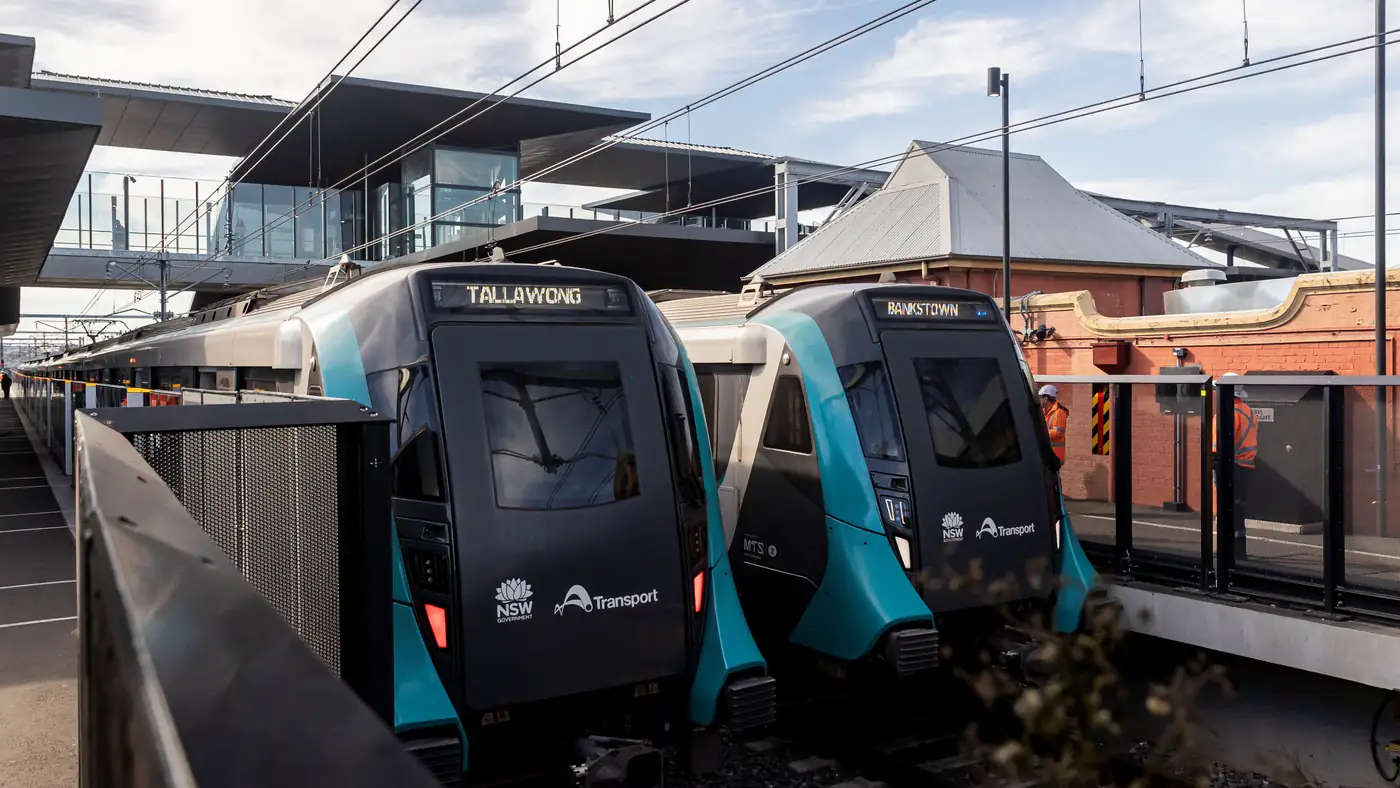
Complete guide to Sydney's Metro Southwest Bankstown line: timetable, fares, stations, Opal fares, parking, and commuter tips for the new line.