
Sydney Guides: Sydney for Students: The NSW Government provide
A comprehensive guide to Sydney for students, including universities, accommodation, and costs. Sydney is home to some of Australia's most prestigious.
7 min read

Who Is Eligible for Toll Relief The NSW Government's toll relief scheme provides a rebate to motorists who spend more than $60 per week on eligible toll roads.

The Sydney Times Desk is a contributing writer covering guides and public affairs for The Sydney Times.
The NSW Government's toll relief scheme provides a rebate to motorists who spend more than $60 per week on eligible toll roads. The scheme is permanent as of the 2026-27 NSW budget, having transitioned from a temporary measure. If you hold a personal toll account with Linkt or E-toll, your vehicle is registered for private use, and you are a NSW resident aged 16 or over, you can claim back a portion of your weekly toll spending.
The rebate is calculated weekly and paid quarterly. For every dollar you spend above the $60 threshold, you receive a matching rebate, up to a maximum of $340 per week per tag or licence plate number on your personal toll account.
Toll relief only applies to personal toll accounts with Linkt (Sydney) or E-toll. Casual toll products such as LinktGO, ERider, or eMU do not qualify. Business-registered vehicles, trucks, buses, and vehicles towing caravans or horse floats are also excluded.
If you use a toll road without an account, you will receive a toll notice in the mail. Those notices are not eligible for toll relief. You must have an active personal toll account and pay your tolls through that account to accumulate qualifying spend.
Log in to your Linkt or E-toll account and check that your profile is set to personal use, that your vehicle registration details are current, and that your account is active and not suspended. If you recently moved to NSW from another state, ask your toll provider whether your account profile is suitable for toll relief. Linkt account profiles must be set to Linkt Sydney specifically.
You must link your toll account to your MyServiceNSW Account to claim the rebate. Go to Service NSW and search for "toll relief cap." Select "claim online," which takes you to the Toll Relief page inside your MyServiceNSW dashboard.
You will need to prove your identity if you have not already done so. Acceptable documents include an Australian driver licence, Medicare card, or Australian passport. Once your identity is confirmed, follow the prompts to link your Linkt or E-toll account. The system will verify your account details with the toll provider and display your toll spend and eligibility status.
Once your accounts are linked, open Toll Tracker from the Toll Relief tile on your MyServiceNSW dashboard. Toll Tracker shows your weekly toll spend and tells you whether you are eligible to claim.
Eligibility is assessed each week from Monday to Sunday. You only qualify for a rebate in weeks where your toll spend exceeds $60. If you spend $80 in one week and $55 the next, you receive a rebate only for the $80 week.
The Toll Tracker page displays a "Claim Now" button when you have eligible spend in a completed claim period. Do not attempt to claim before the three-month claim period opens. Claim periods are fixed windows, and claims made outside the open window cannot be processed until the next period begins.
When the claim button is active, click it and confirm the details of your toll account and vehicle. The system calculates your rebate automatically based on your verified weekly toll spend. You do not need to upload receipts or manually enter toll amounts.
Once you submit the claim, Service NSW processes it within 10 to 15 business days. Rebates are paid by direct deposit to the bank account linked to your MyServiceNSW profile. Make sure your bank details are current before submitting, because outdated details delay payment.
Toll relief operates on rolling three-month claim periods. Each period corresponds to a specific toll spend window, and the claim window opens a few days after the spend period closes. If you miss a claim period, unclaimed rebates roll over to the next period, but all rebates must be claimed before the annual claim period closes on 30 June each year.
Keep an eye on the Service NSW website or the Toll Tracker dashboard for notifications about when a new claim period opens. Setting a calendar reminder for the first week of each calendar quarter reduces the chance of missing a window.
Tolls paid on roads outside NSW, tolls on the M5 South-West if you are claiming under the separate M5 South-West Cashback Scheme, tolls on vehicles registered for business use, and tolls paid by food or courier delivery businesses are all excluded from toll relief. If you are unsure whether a particular toll charge qualifies, check the Service NSW eligibility page before lodging a claim.
Direct inquiries, corrections, or documentation concerning this dispatch to our editorial newsroom desk.
A comprehensive guide to Sydney for students, including universities, accommodation, and costs. Sydney is home to some of Australia's most prestigious.

A comprehensive guide to Sydney for families, including schools, parks, and activities. The city offers an exceptional range of family-friendly destinations.

A comprehensive guide to moving to Sydney, including neighbourhoods, transport, and costs. The guide covers everything you need to know about relocating.
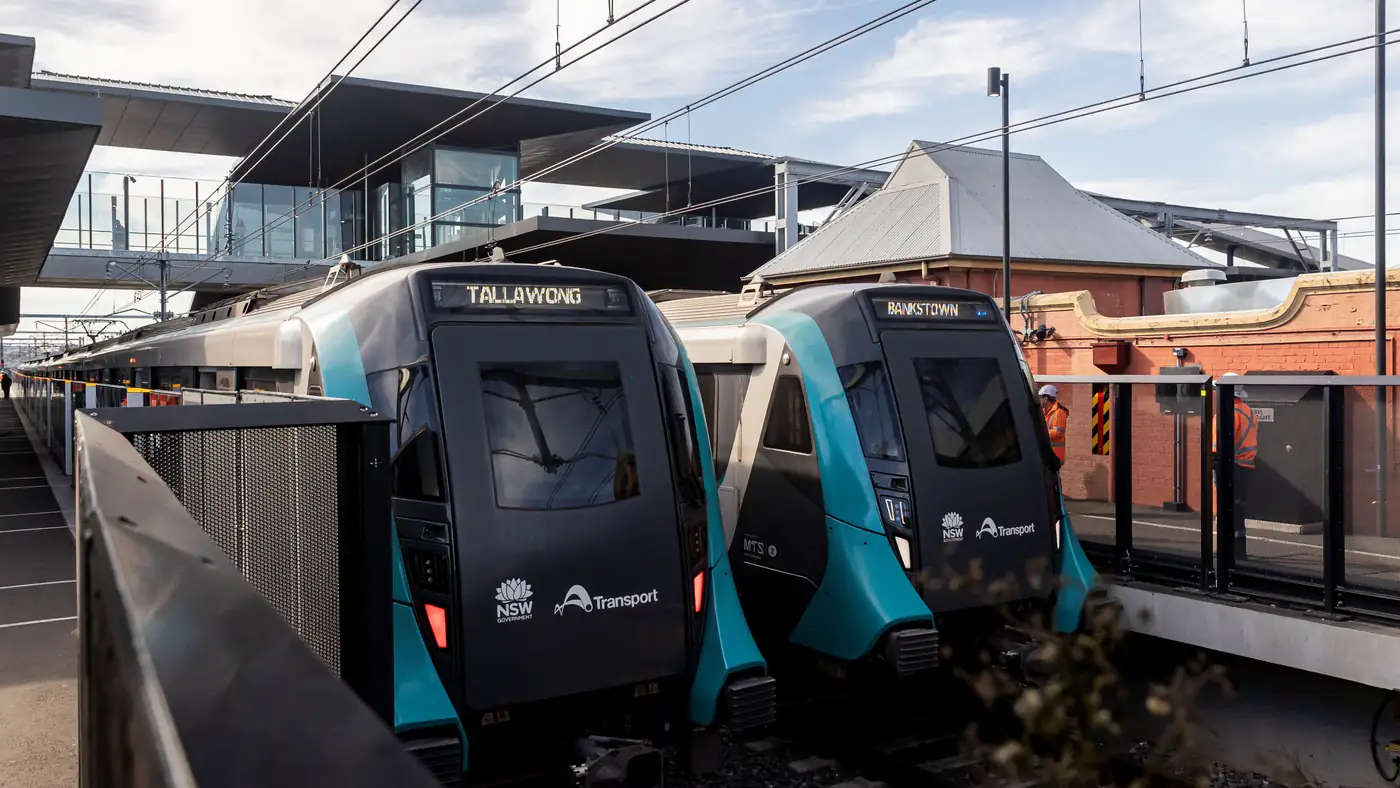
Complete guide to Sydney's Metro Southwest Bankstown line: timetable, fares, stations, Opal fares, parking, and commuter tips for the new line.