
Sydney Guides: Sydney for Students: The NSW Government provide
A comprehensive guide to Sydney for students, including universities, accommodation, and costs. Sydney is home to some of Australia's most prestigious.
7 min read

Getting connected to the NBN at a new address is usually straightforward if the property already has an active NBN connection. If it is a new build.

Tech & Ideas Desk is a contributing writer covering guides and public affairs for The Sydney Times.
Getting connected to the NBN at a new address is usually straightforward if the property already has an active NBN connection. If it is a new build or has never been connected before, expect a two to three week wait and probably a technician visit. The actual installation work is paid for by NBN Co. You do not get billed for the technician.
This guide walks through the entire process from checking your address to running your first speed test. For an explanation of what NBN technology type you might get, see the NBN Co address checker.
Before you sign up with an internet provider, go to nbnco.com.au and enter your new address. The result page tells you:
If the property has never had an NBN connection before, the address checker will show "not connected" or "pending connection." In that case, you will need to wait for NBN Co to install the infrastructure before any ISP can activate service.
Once you know what technology is available, compare plans from providers such as Aussie Broadband, Telstra, Optus, TPG, or iiNet. The key variables are:
When comparing plans, also check whether the provider charges a setup fee. Some providers waive the fee if you commit to a six or 12-month term, but the monthly price is often higher to compensate.
Most providers let you sign up online in 10 minutes. You will need:
If the property is already NBN-active, your connection can usually be activated within one to five business days. If the property is NBN-ready but not currently active, activation takes one to two weeks. If it is a completely new build, allow two to three weeks.
Most existing NBN connections are self-install. If the property has been connected before, NBN Co has already installed the wall box, and you simply plug in your modem. Your provider posts you the modem, and you follow the instructions in the box.
A technician visit is required for new builds and properties that have never been NBN-connected, most FTTP installations, and any installation where wiring needs to be run inside the house. If a technician is needed, NBN Co schedules the appointment after you sign up. You will receive a four-hour window. Someone over 18 years old must be home. The visit takes one to two hours, and there is no cost to you for the standard installation.
Once your NBN connection is active and you have your modem:
The exact port and cable type depends on your NBN technology. For FTTN, the NBN connects to the modem via a phone-style cable into the DSL port. For FTTP, FTTC, HFC, and fixed wireless, it is an Ethernet cable into the WAN port.
Connect a laptop to the modem by Ethernet cable if possible, because Wi-Fi speeds are lower and less consistent. Go to fast.com or speedtest.net and run a test. Compare the result to the speed tier you signed up for. For an NBN 100 plan on FTTP or HFC, you should see around 80 to 95 Mbps download. FTTN tends to deliver less, especially during peak hours.
If your speed is significantly below the tier you paid for, contact your provider before doing anything else. They can run a line test from their end and identify whether the issue is with your modem, your internal wiring, or the NBN connection itself.
If you are leaving a property that already has an NBN connection, you do not need to do anything with NBN Co directly. Contact your internet provider and arrange a transfer or disconnection. The NBN connection at the property remains active and can be taken over by the next resident or business. If you are taking your modem with you, make sure it is compatible with the NBN technology at your new address.
Direct inquiries, corrections, or documentation concerning this dispatch to our editorial newsroom desk.
A comprehensive guide to Sydney for students, including universities, accommodation, and costs. Sydney is home to some of Australia's most prestigious.

A comprehensive guide to Sydney for families, including schools, parks, and activities. The city offers an exceptional range of family-friendly destinations.

A comprehensive guide to moving to Sydney, including neighbourhoods, transport, and costs. The guide covers everything you need to know about relocating.
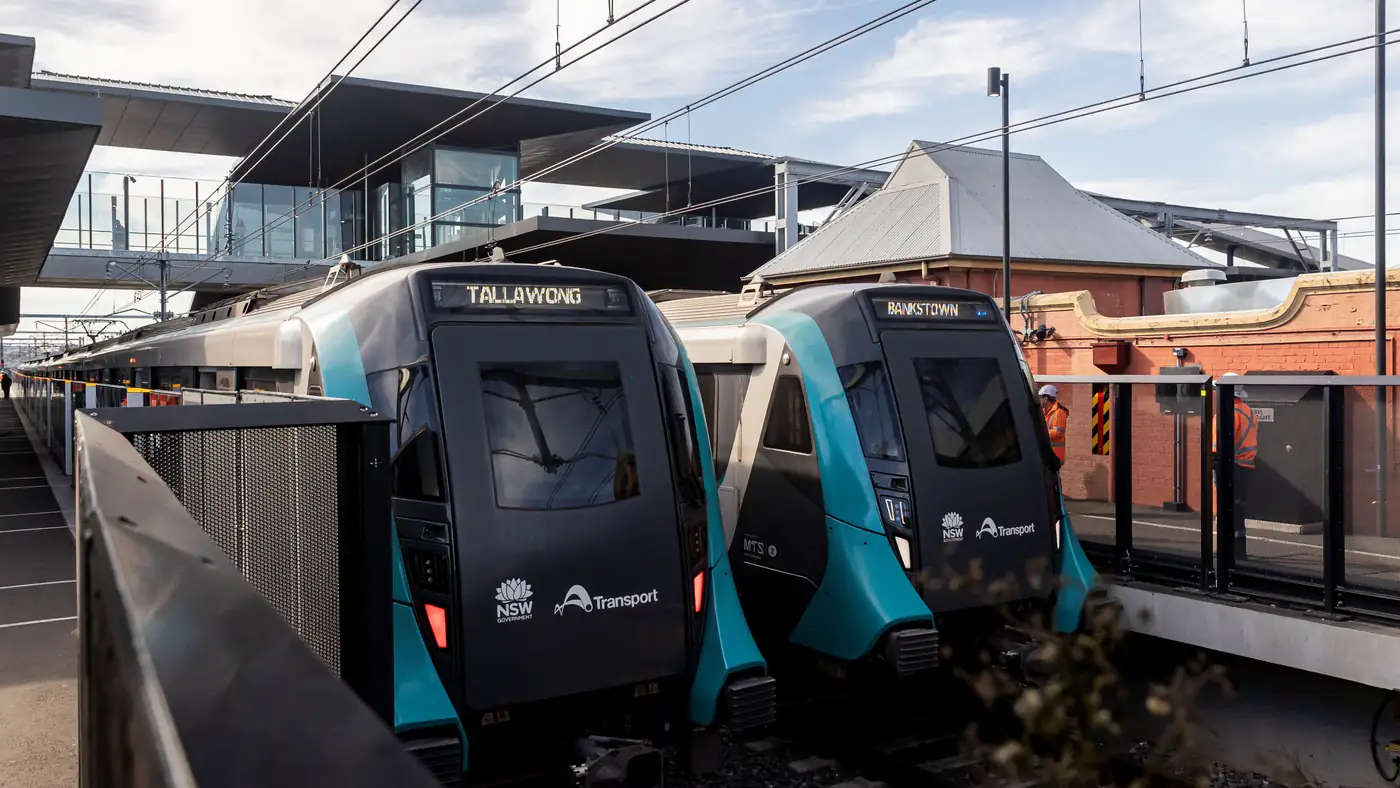
Complete guide to Sydney's Metro Southwest Bankstown line: timetable, fares, stations, Opal fares, parking, and commuter tips for the new line.