
Sydney Guides: Sydney for Students: The NSW Government provide
A comprehensive guide to Sydney for students, including universities, accommodation, and costs. Sydney is home to some of Australia's most prestigious.
7 min read

A basic home security system in Sydney consists of a central hub or base station, at least one outdoor camera, one or more motion sensors, and a door/window sensor.
Tech & Ideas Desk is a contributing writer covering guides and public affairs for The Sydney Times.
A basic home security system in Sydney consists of a central hub or base station, at least one outdoor camera, one or more motion sensors, and a door/window sensor. Most modern systems are wireless and connect to your Wi-Fi network. You will need a stable internet connection, a smartphone with the manufacturer's app, and a power outlet near each camera location.
The average cost of a four-piece system ranges from $300 to $600. Systems from Ring, Google Nest, and Eufy offer the best balance of price and features for Australian homes. Before purchasing, check whether your local council has any regulations regarding exterior camera placement or signage requirements.
Walk around your property and identify the vulnerable entry points. Front and back doors, ground-floor windows, and any accessible balcony doors should have camera coverage. In Sydney's suburban landscape, front fences typically range from 1.2 to 1.8 metres high, making ground-floor windows the primary vulnerability.
Mount your outdoor camera at a height of 2.5 to 3 metres, angled slightly downward. This height prevents tampering and provides a clear view of faces approaching your door. Avoid pointing cameras directly at your neighbour's property, as this can create privacy disputes. In apartments and units, check your strata by-laws before installing exterior cameras.
Place your base station or hub in a central location in your home, preferably near your router. The hub connects to your Wi-Fi network and coordinates all your security devices. Plug it into a power outlet and wait for the status light to turn solid, which typically takes 60 to 90 seconds.
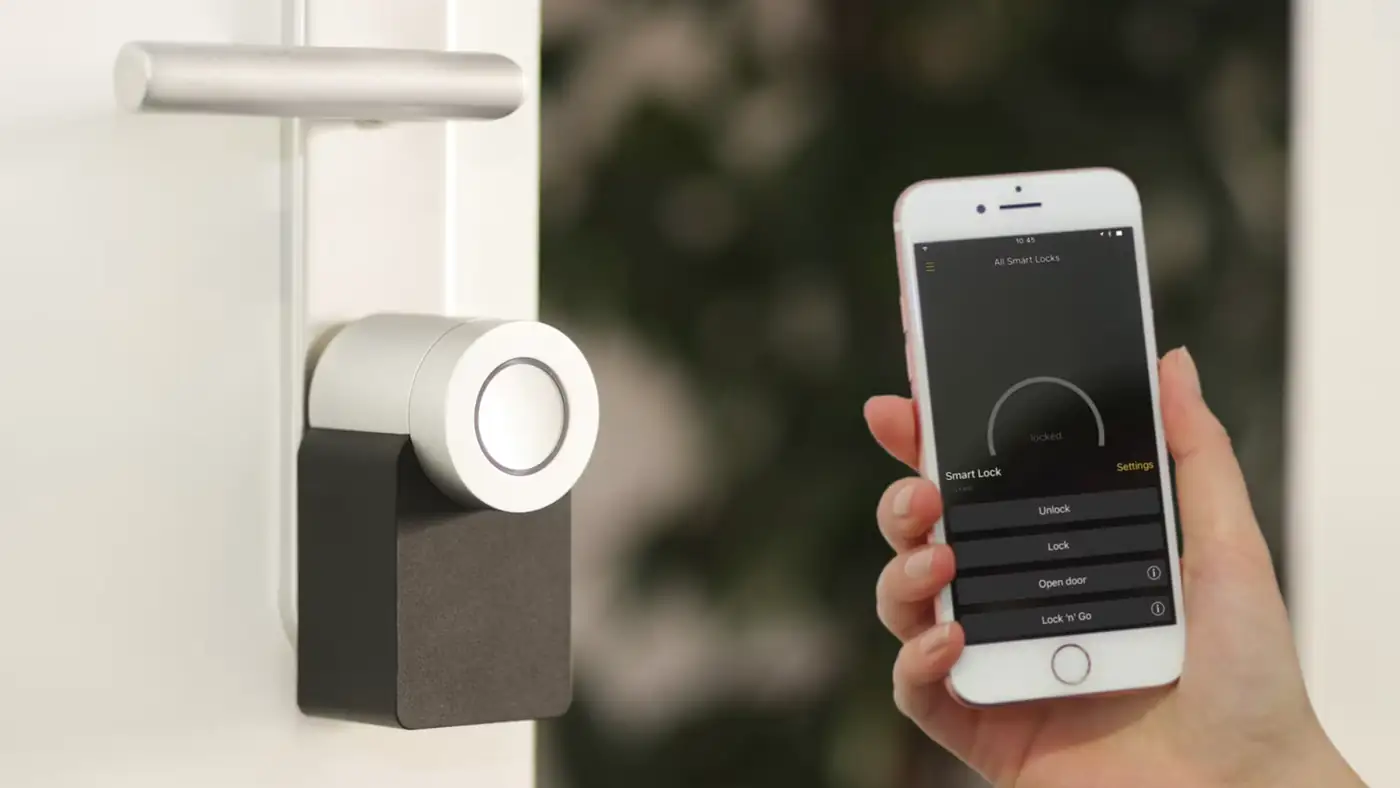
Download the manufacturer's app on your smartphone. Create an account and follow the in-app instructions to add your hub. The app will scan for nearby devices. Once your hub appears, tap to register it. Set a strong password for your security system account that is different from your Wi-Fi password.
Add each camera and sensor through the app. For wireless cameras, the app will guide you through the pairing process. Most cameras require you to press a sync button on the device and confirm in the app within 30 seconds. Mount each camera using the included screws or adhesive mounts.
For door and window sensors, clean the mounting surfaces with rubbing alcohol before applying the adhesive strips. Press the sensor and magnet together firmly. Test each sensor by opening and closing the door or window to confirm the app registers the event.
Motion sensors should be placed in hallways and near entry points. Avoid placing them directly in front of heat sources like air vents or radiators, as infrared motion sensors can be triggered by temperature changes. In Sydney's warm summers, this is a common issue.
In the app settings, configure your notification preferences. Set motion alerts to send push notifications to your phone. Adjust the sensitivity level to reduce false triggers from passing cars or neighbourhood animals. Most systems allow you to set different sensitivity levels for day and night.
If you want professional monitoring, subscribe to a monitoring plan through your security provider. Monthly monitoring costs between $15 and $30 and includes 24/7 surveillance, automatic police dispatch in case of a breach, and cloud video storage. Alternatively, you can use self-monitoring through the app, which is free but requires you to respond to alerts yourself.
Walk through your property and test every sensor and camera. Open each door and window to verify the sensors trigger alerts. Walk past each camera to confirm motion detection and video recording. Check that notifications arrive on your phone within seconds.
Test the system at night as well. Sydney's suburban streets can be dark, and some cameras have poor night vision. Adjust the camera's infrared settings if the night footage is too dark or too bright. Most modern cameras have automatic infrared cut filters that switch between colour and black-and-white modes.
Sydney's high-rise apartment buildings present unique security challenges. If you live in an apartment, check your strata scheme's rules before installing any security devices. Some strata schemes prohibit exterior cameras or require approval from the owners corporation. In these cases, consider a doorbell camera that mounts inside your unit near the front door.
For houses in coastal suburbs, choose cameras with an IP65 or higher weather rating. Sydney's coastal areas experience salt-laden winds that can corrode standard electronics. Ensure all outdoor cables are rated for outdoor use and are properly sealed where they enter your home.
Direct inquiries, corrections, or documentation concerning this dispatch to our editorial newsroom desk.
A comprehensive guide to Sydney for students, including universities, accommodation, and costs. Sydney is home to some of Australia's most prestigious.

A comprehensive guide to Sydney for families, including schools, parks, and activities. The city offers an exceptional range of family-friendly destinations.

A comprehensive guide to moving to Sydney, including neighbourhoods, transport, and costs. The guide covers everything you need to know about relocating.
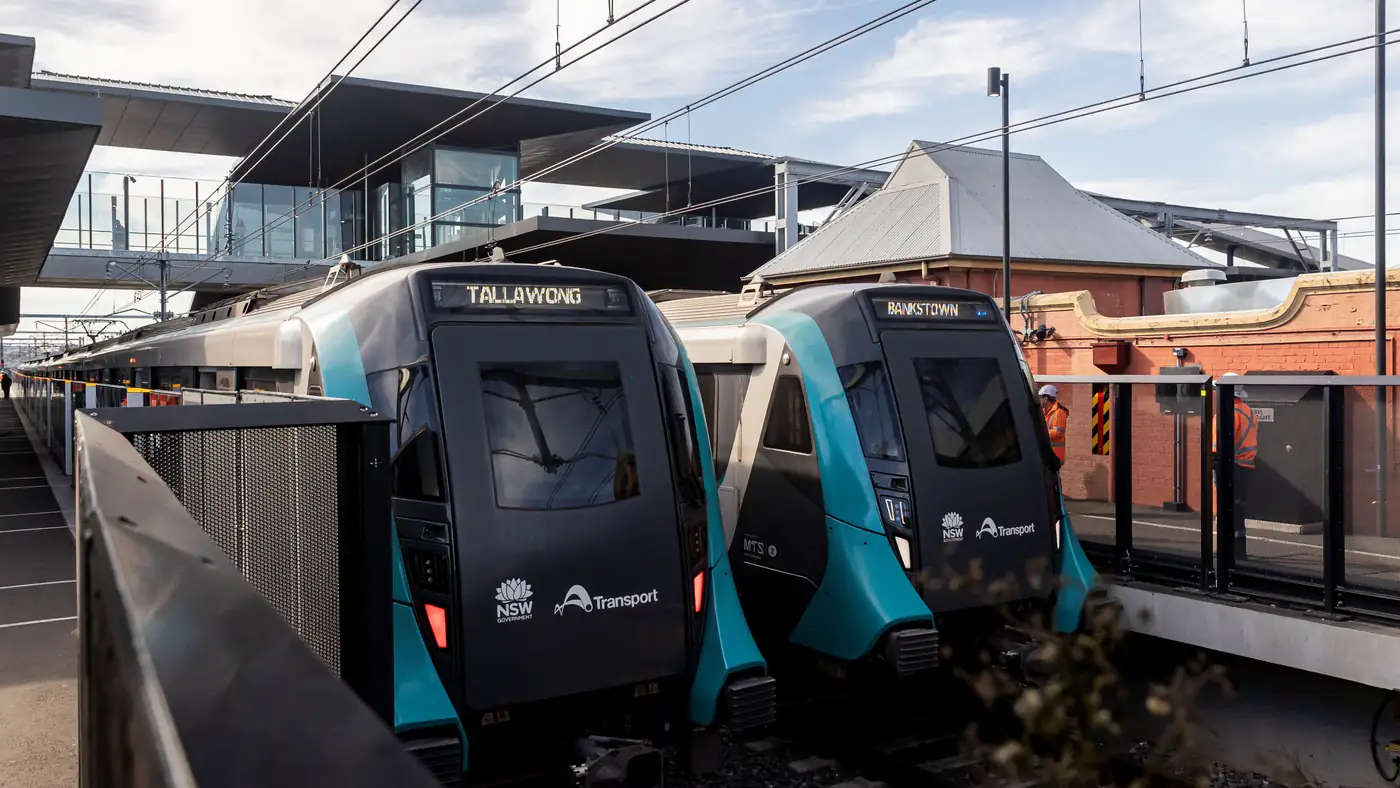
Complete guide to Sydney's Metro Southwest Bankstown line: timetable, fares, stations, Opal fares, parking, and commuter tips for the new line.