
Sydney Guides: Sydney for Students: The NSW Government provide
A comprehensive guide to Sydney for students, including universities, accommodation, and costs. Sydney is home to some of Australia's most prestigious.
7 min read

Transport Connect is Transport for NSW's digital identity and entitlement platform. It links your concession or entitlement status to a digital account.

The Sydney Times Desk is a contributing writer covering guides and public affairs for The Sydney Times.
Transport Connect is Transport for NSW's digital identity and entitlement platform. It links your concession or entitlement status to a digital account so you can pay concession fares using a contactless credit or debit card, or a mobile wallet, instead of carrying a physical Concession Opal card.
If you are a full-time student, a NSW seniors card holder, a pensioner, or someone with a valid concession entitlement under the Transport Concession Scheme, you need a Transport Connect account to access concession fares through contactless payment. Without it, tapping on with a contactless card charges you the full adult fare.
Transport Connect supports several concession types, including full-time NSW students, NSW Seniors Card holders, Pensioner Concession Card holders, and holders of certain transport-specific entitlements. Each concession type has its own eligibility rules and required evidence.
Check the Transport for NSW concessions page to confirm that your concession is supported digitally. If your concession requires a physical card that must be inspected by a driver or conductor, you may still need to carry that card alongside your digital setup.
Go to the Transport Connect website and select "Create account." You will need:
The account creation process takes about three minutes. Transport Connect sends a verification email and an SMS one-time passcode to confirm your contact details. Once verified, your account appears in the dashboard with no entitlements attached.
After your account is active, select "Link entitlement" from the dashboard. Transport Connect will ask you to choose your concession type from a list, then provide evidence of eligibility. The evidence required depends on the concession:
You can upload documents directly through the Transport Connect portal. Most verifications are processed within a few minutes, but some manual checks take up to two business days. You will receive an email once your entitlement is approved.
Once your concession entitlement is linked, open the Opal Travel app or log in to the Opal website. Select "Add card" and enter the contactless credit or debit card you want to use for travel. The card must be in your name and must support contactless payment.
If you already use that card for adult Opal fares, you can convert it to a concession payment method by linking it to your Transport Connect account through the Opal app. The app will prompt you to verify your Transport Connect identity during the linking process.
To test that your concession entitlement is working, tap on at any Opal reader with your contactless card. The reader screen should display your name and your concession fare type, not the adult fare. If it shows the adult fare, your entitlement has not yet propagated to the Opal system.
Wait a few minutes and try again at the same reader or a different one. If the problem persists after 30 minutes, log out of the Opal app and log back in, then remove and re-add your payment card. If the reader still charges the adult fare, contact the Opal contact centre on 13 67 52.
Transport Connect and Opal entitlements expire when your concession eligibility ends. Student concessions, for example, expire at the end of the academic year or when you drop below full-time enrolment. You will receive an email reminder before your entitlement expires, but it is your responsibility to update your details and re-verify if your circumstances change.
If you lose your NSW Seniors Card or your student ID is renewed with a new number, update your Transport Connect account immediately. An expired or mismatched entitlement can result in back-payment of the difference between concession and adult fares if Transport for NSW audits your travel history.
Direct inquiries, corrections, or documentation concerning this dispatch to our editorial newsroom desk.
A comprehensive guide to Sydney for students, including universities, accommodation, and costs. Sydney is home to some of Australia's most prestigious.

A comprehensive guide to Sydney for families, including schools, parks, and activities. The city offers an exceptional range of family-friendly destinations.

A comprehensive guide to moving to Sydney, including neighbourhoods, transport, and costs. The guide covers everything you need to know about relocating.
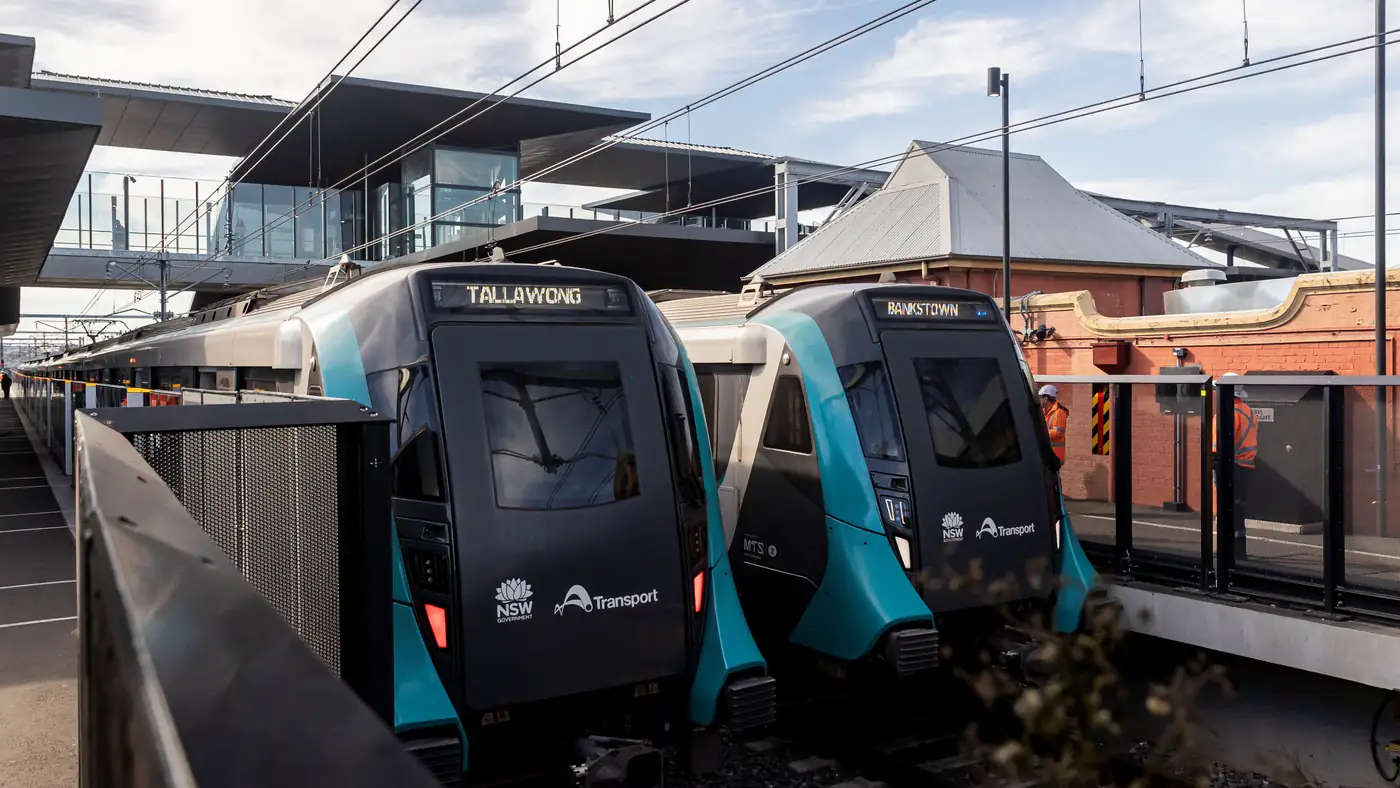
Complete guide to Sydney's Metro Southwest Bankstown line: timetable, fares, stations, Opal fares, parking, and commuter tips for the new line.