
Sydney Guides: Sydney for Students: The NSW Government provide
A comprehensive guide to Sydney for students, including universities, accommodation, and costs. Sydney is home to some of Australia's most prestigious.
7 min read

Sydney commuters who have not yet registered their Opal card are missing out on automatic fare top-ups that prevent the frustration of tapping on with an empty balance.

Field Guides Desk is a contributing writer covering guides and public affairs for The Sydney Times.
Sydney commuters who have not yet registered their Opal card are missing out on automatic fare top-ups that prevent the frustration of tapping on with an empty balance. Transport Connect, Transport for NSW's digital identity platform, links your concession entitlement to a contactless payment card and enables auto-top-up so your travel credit replenishes without manual intervention. The system covers trains, buses, ferries, and light rail across the Sydney network, and setting it up takes less than ten minutes.
To begin, visit the Transport Connect website and select "Create account." You will need a valid email address, a mobile phone number for verification, and your full name and date of birth. The account creation process takes roughly three minutes. Transport Connect sends a verification email and an SMS one-time passcode to confirm your contact details. Once verified, your account appears in the dashboard with no entitlements attached yet.
If you are a full-time student, a NSW Seniors Card holder, or a Pensioner Concession Card holder, you can link your concession entitlement through the same dashboard. Transport Connect supports several concession types under the Transport for NSW concessions framework, and each requires its own evidence. Students need a current student ID or enrolment confirmation, while seniors and pensioners provide their card details. Most verifications process within minutes, though some manual checks take up to two business days.
After your Transport Connect account is active, open the Opal Travel app or log in to the Opal website. Select "Add card" and enter the contactless credit or debit card you want to use for travel. The card must be in your name and support contactless payment. If you already use that card for adult Opal fares, you can convert it to a concession payment method by linking it to your Transport Connect account through the app.
Once your payment card is linked, navigate to the auto-top-up settings in your Opal account dashboard. You will configure two values. The trigger balance determines when auto-top-up activates. For Adult Opal cards, the minimum trigger balance is $10. For Concession, Child/Youth, and Gold Senior/Pensioner cards, the minimum is $5. The top-up amount is what gets added when the trigger fires. A $20 top-up covers roughly four to five inner-city trips for an adult traveller. Select "Turn on auto-top-up" to activate the feature.
Auto-top-up prevents the most common reason commuters lose fare credits: forgetting to add value before a trip. When your balance drops below your chosen threshold, the system automatically charges the top-up amount to your linked card. The credit usually appears on your card within 15 to 60 minutes. Transport for NSW uses tokenised payment processing, so your full card number is not stored on Opal servers.
Concession cardholders benefit most from auto-top-up because the fare discount compounds with the convenience of never running short. A Pensioner Concession Card holder paying $1.50 per trip instead of $4.50 saves significantly over a month of daily commuting, and auto-top-up ensures those discounted fares are never interrupted by a zero balance. You can change or disable the auto-top-up setting at any time through the same dashboard menu.
Auto top-up sometimes fails to trigger if the Opal system is processing a high volume of transactions during peak travel periods. Online top-ups can take up to 60 minutes to process, so if you tap on immediately after a top-up and see an insufficient balance message, wait a few minutes and tap again at the same reader. If the problem persists, call the Opal contact centre on 13 67 52 or visit a Service NSW centre with your card and identification.
If your concession entitlement has not propagated to the Opal system, the reader may display the adult fare instead of your concession rate. Wait a few minutes and try again at the same reader or a different one. If the issue persists after 30 minutes, log out of the Opal app and log back in, then remove and re-add your payment card. Transport Connect entitlements expire when your concession eligibility ends, so update your details before they lapse to avoid back-payment of the difference between concession and adult fares.
If you use both a physical Opal card and a digital Opal card in your mobile wallet, treat them as separate cards. Auto-top-up applies to the specific card you registered and enabled it for. A digital Opal card in Apple Wallet or Google Wallet has its own card number and must be registered separately if you want auto-top-up on it. If you share an Opal account with a partner or family member, each person should have their own registered card with their own payment method. Mixing payment methods on shared cards complicates trip history and can delay refunds if a trip was charged in error.
For more on Sydney transport options and concessions, see the Field Guides section and The City hub for the latest network updates.
Direct inquiries, corrections, or documentation concerning this dispatch to our editorial newsroom desk.
A comprehensive guide to Sydney for students, including universities, accommodation, and costs. Sydney is home to some of Australia's most prestigious.

A comprehensive guide to Sydney for families, including schools, parks, and activities. The city offers an exceptional range of family-friendly destinations.

A comprehensive guide to moving to Sydney, including neighbourhoods, transport, and costs. The guide covers everything you need to know about relocating.
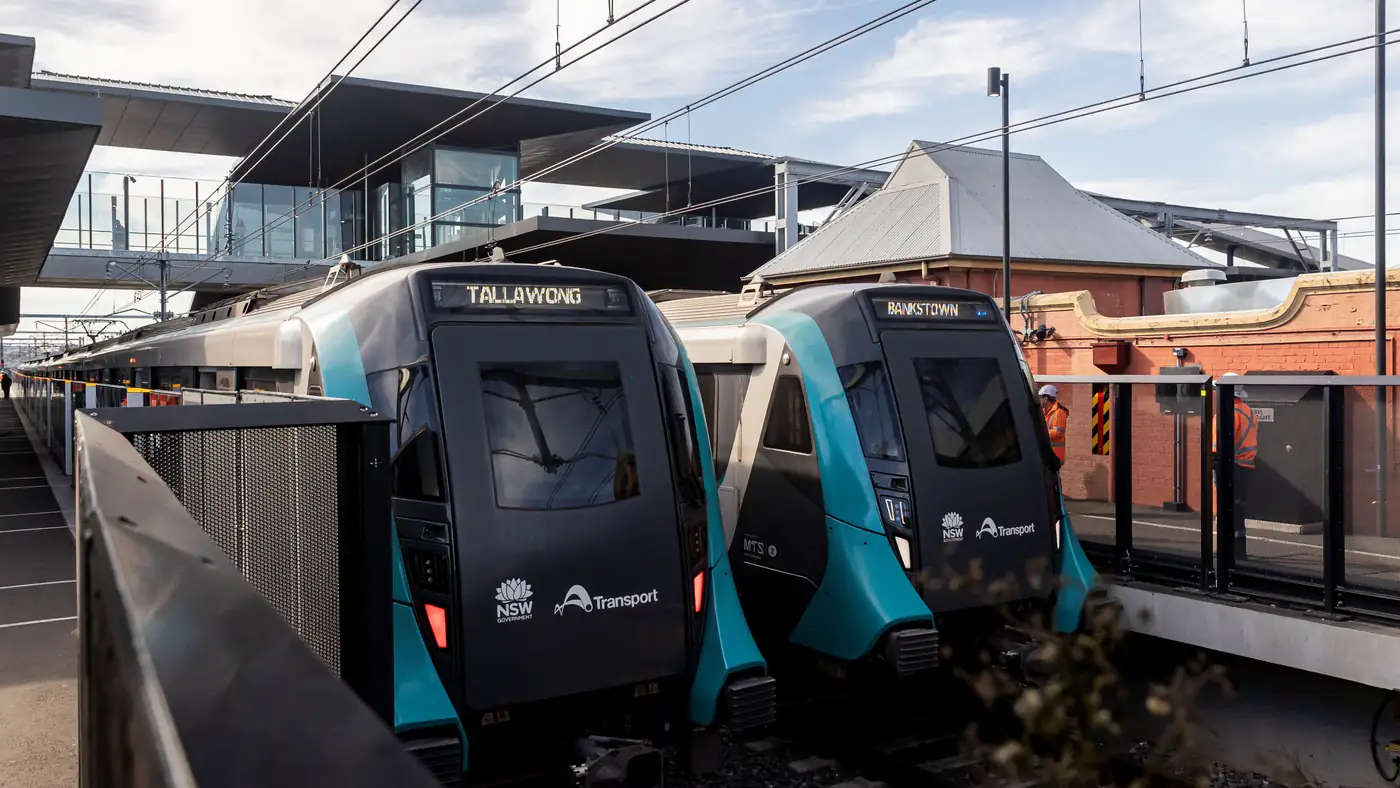
Complete guide to Sydney's Metro Southwest Bankstown line: timetable, fares, stations, Opal fares, parking, and commuter tips for the new line.