
Sydney Guides: Sydney for Students: The NSW Government provide
A comprehensive guide to Sydney for students, including universities, accommodation, and costs. Sydney is home to some of Australia's most prestigious.
7 min read

Why You Need a VPN in Australia Australia's mandatory data retention laws require every ISP to store metadata on all customers for two years.
Tech & Ideas Desk is a contributing writer covering guides and public affairs for The Sydney Times.
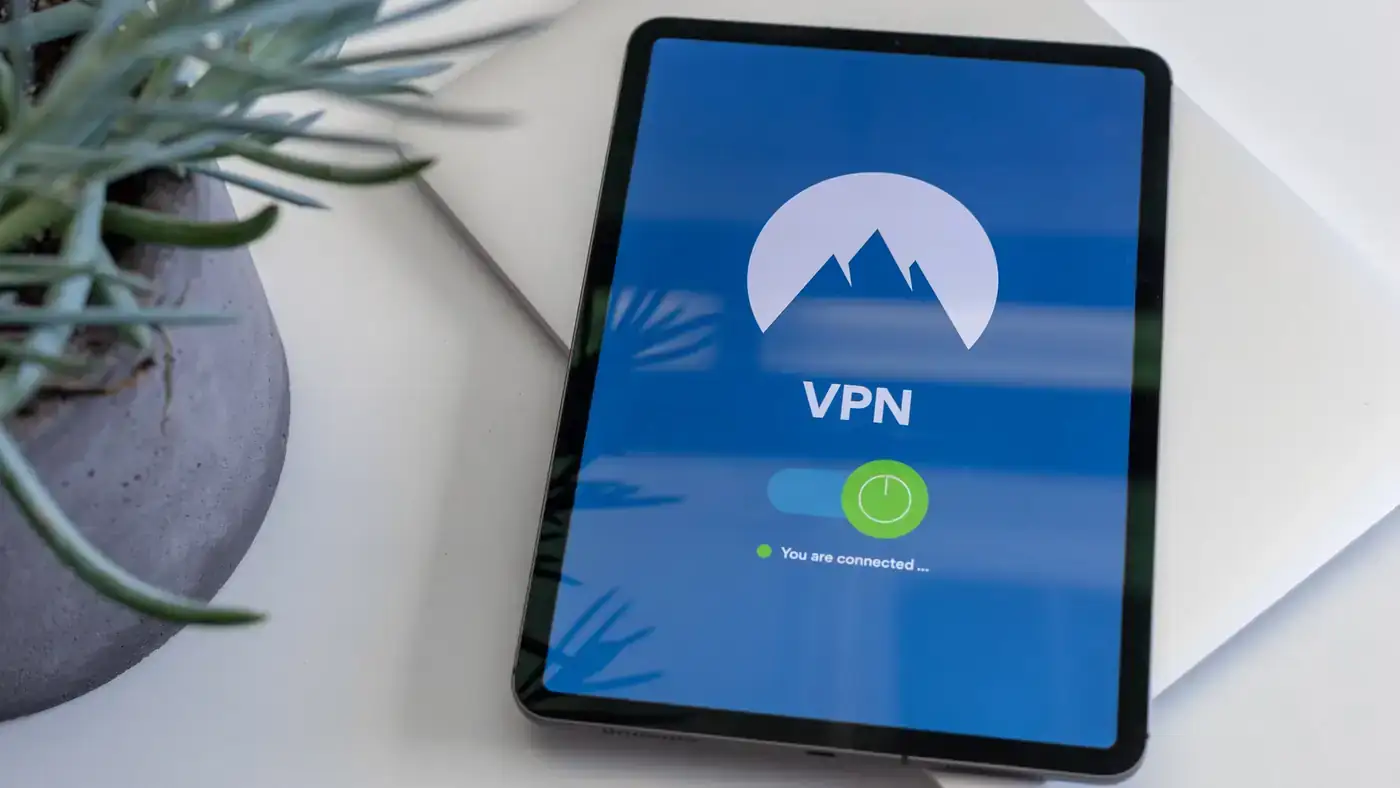
Australia's mandatory data retention laws require every ISP to store metadata on all customers for two years. The Five Eyes intelligence alliance shares surveillance data across member nations. A VPN encrypts your traffic and obscures your activity from your ISP, but it does not make you invisible to lawful authorities. The practical protection is meaningful: your ISP sees only that you connected to a VPN server, not what websites you visited.
Select a VPN based on speed on an NBN line, privacy jurisdiction, price in Australian dollars, and whether it reliably unblocks Australian streaming platforms. NordVPN, ExpressVPN, Proton VPN, and Surfshark are the top performers in 2026 testing. NordVPN offers more than 200 Australian servers and delivers over 380 Mbps on Sydney servers. ExpressVPN provides Lightway Turbo with 330-plus Mbps. Proton VPN has a genuine free tier with no data cap. Surfshark starts at approximately $2.49 per month with unlimited devices.
Download the VPN app from the provider's official website or the Apple App Store or Google Play. Avoid third-party app stores. Install the application and log in with your credentials. Most providers offer apps for macOS, Windows, iOS, Android, and sometimes Linux. Choose the version matching your operating system.
Open the app and select a server location. For accessing Australian platforms like ABC iView, SBS On Demand, Stan, or Binge, choose a server in Sydney or Melbourne. For privacy only, any server outside Australia works. For accessing international content from Australia, select a US or UK server. Click the connect button and wait for the handshake to complete. Most connections establish within two to five seconds.
Navigate to Settings and enable the kill switch. This feature blocks all internet traffic if the VPN connection drops, preventing your real IP address from leaking. Enable auto-connect for unknown Wi-Fi networks so your traffic is encrypted automatically when you join a new network. Set the protocol to WireGuard if available, as it offers the best balance of speed and security.
Visit a site like whatismyip.com to confirm your IP address matches the VPN server location. Run a speed test at speedtest.net to check that your NBN speeds are not significantly degraded. A good VPN should reduce your speed by no more than 10 to 15 percent on a fast NBN plan. If speeds are drastically lower, try switching to a different server or protocol.
If a streaming service blocks your VPN, try switching to a different Australian server. Some providers offer dedicated IP addresses that are less likely to be flagged. If your connection keeps dropping, check your router settings. Some routers have built-in VPN passthrough that needs to be enabled. If you are using a mesh network, ensure the VPN app is running on your primary device rather than the router, as router-level VPNs can bottleneck NBN speeds.
Direct inquiries, corrections, or documentation concerning this dispatch to our editorial newsroom desk.
A comprehensive guide to Sydney for students, including universities, accommodation, and costs. Sydney is home to some of Australia's most prestigious.

A comprehensive guide to Sydney for families, including schools, parks, and activities. The city offers an exceptional range of family-friendly destinations.

A comprehensive guide to moving to Sydney, including neighbourhoods, transport, and costs. The guide covers everything you need to know about relocating.
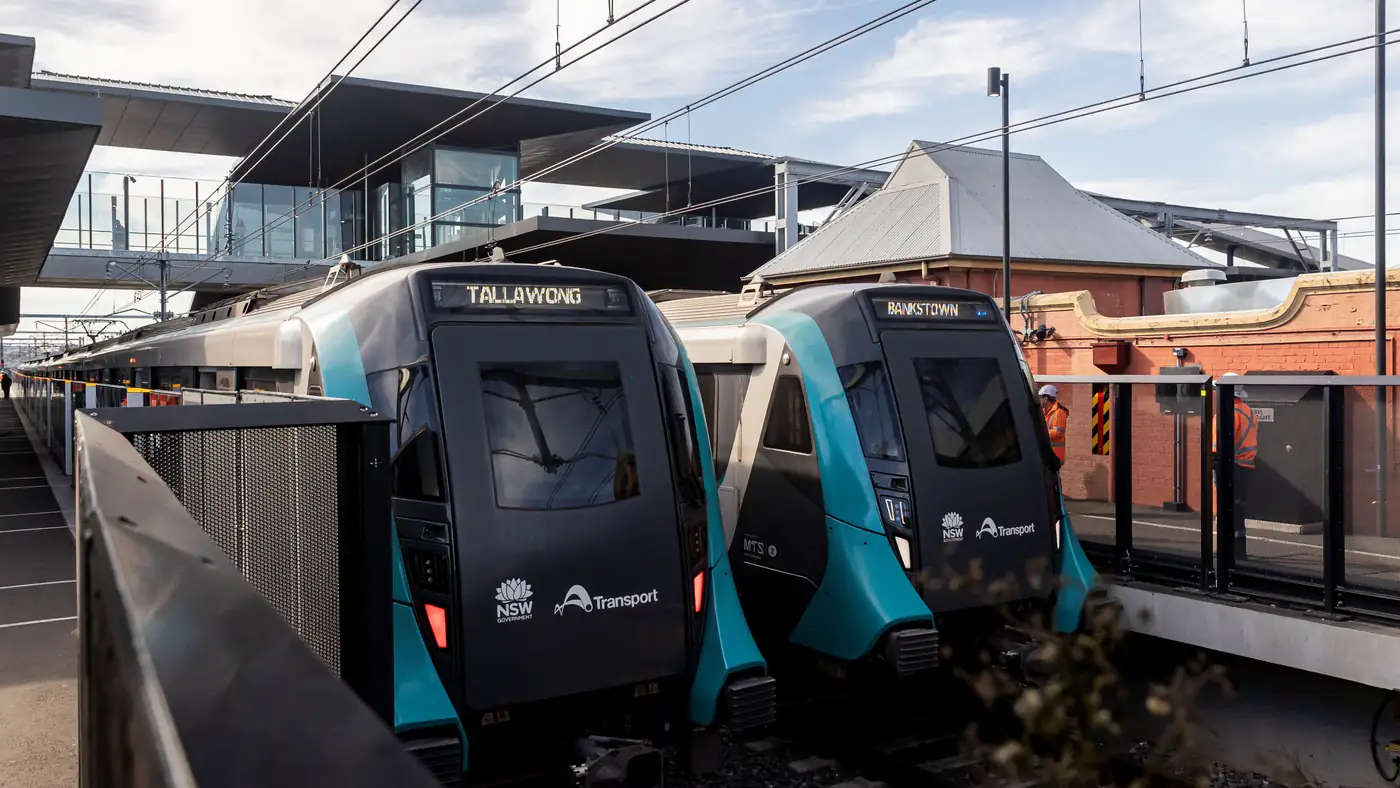
Complete guide to Sydney's Metro Southwest Bankstown line: timetable, fares, stations, Opal fares, parking, and commuter tips for the new line.