
Sydney Guides: Sydney for Students: The NSW Government provide
A comprehensive guide to Sydney for students, including universities, accommodation, and costs. Sydney is home to some of Australia's most prestigious.
7 min read

An Opal card is the contactless payment system for all public transport across Greater Sydney, including trains, buses, ferries, and light rail.

The Sydney Times Desk is a contributing writer covering guides and public affairs for The Sydney Times.
An Opal card is the contactless payment system for all public transport across Greater Sydney, including trains, buses, ferries, and light rail. You do not need a physical card anymore since contactless payments work at all Opal readers, but registering for an Opal account still provides fare caps, trip history, and replacement options if your card is lost.
Transport for NSW offers three main Opal options:
Contactless credit or debit cards (Visa, Mastercard, or American Express) work directly at allopal readers without any prior setup, but they cannot access the same fare capping benefits as a registered Opal card.
If you have a physical card, visit the Opal website and click "Register." You will need:
Registration takes approximately two minutes. Once complete, you can top up automatically when your balance falls below a set threshold. The auto-top feature requires linking a credit or debit card to your Opal account.
Apple Wallet and Google Wallet both support Opal cards as of 2024. Open the Opal app on your smartphone, select "Add to Apple Wallet" or "Add to Google Wallet," and follow the prompts. The digital card uses the same fare structure as a physical card and can be topped up directly from your phone.
Note that you cannot use both a physical card and a mobile wallet card on the same device for a single trip. The reader will detect the closest card and charge accordingly.
Opal fares are calculated by distance travelled across 13 bands. A typical trip from the CBD to Parramatta falls into band 5 and costs approximately $4.20 for an adult with an Opal card. Weekly and Sunday caps apply automatically once you reach the threshold, so you will never pay more than $63.20 per week for adult off-peak travel across all modes.
Opal tap-on and tap-off is mandatory on all modes except buses, where you only tap on. Always tap your card against the reader at the start and end of a train, ferry, or light rail journey to ensure the correct distance-based fare is calculated.
The Opal website has a trip planner that works in real time. For account issues, call the Opal contact centre on 13 67 52 or visit a Service NSW centre with your card and identification. Transport for NSW also maintains active social media channels for service updates during disruptions.
Direct inquiries, corrections, or documentation concerning this dispatch to our editorial newsroom desk.
A comprehensive guide to Sydney for students, including universities, accommodation, and costs. Sydney is home to some of Australia's most prestigious.

A comprehensive guide to Sydney for families, including schools, parks, and activities. The city offers an exceptional range of family-friendly destinations.

A comprehensive guide to moving to Sydney, including neighbourhoods, transport, and costs. The guide covers everything you need to know about relocating.
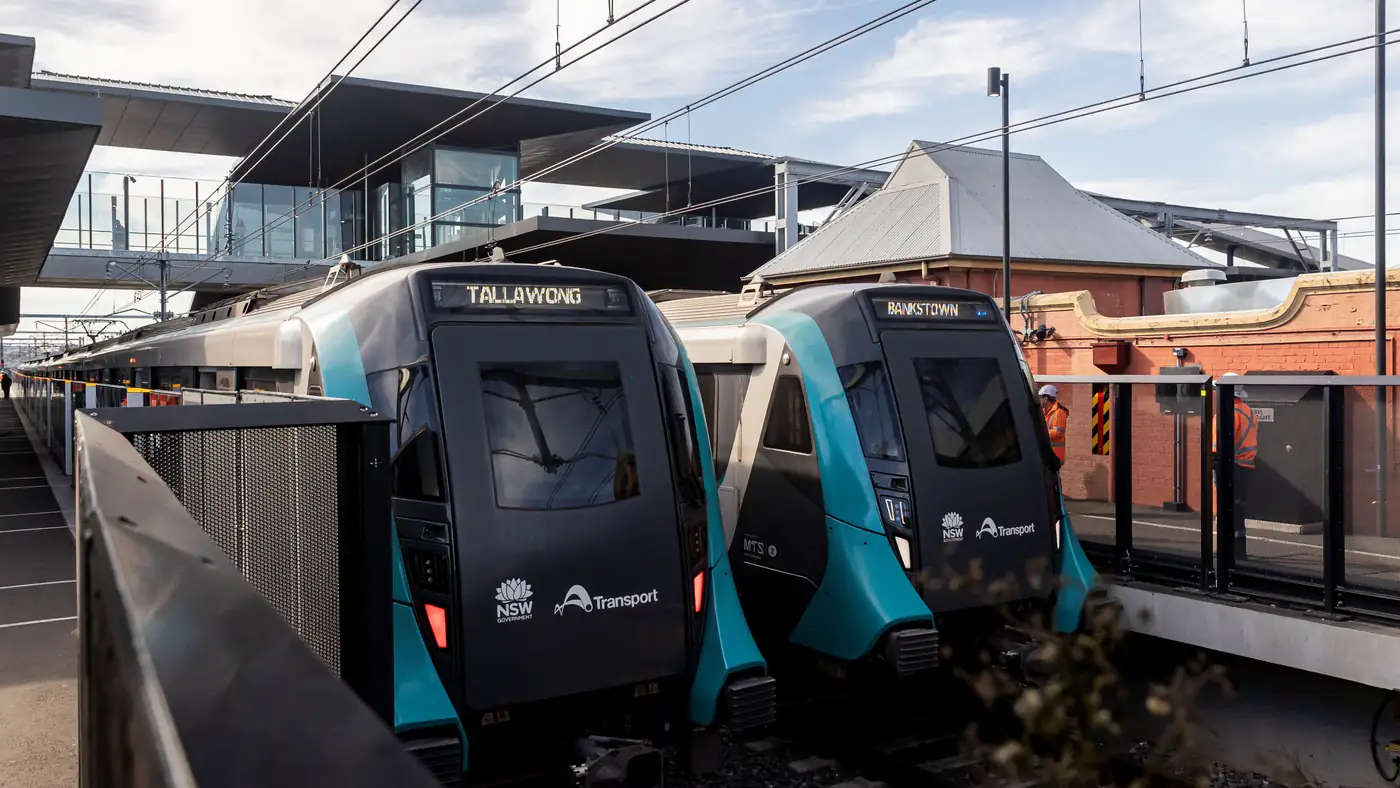
Complete guide to Sydney's Metro Southwest Bankstown line: timetable, fares, stations, Opal fares, parking, and commuter tips for the new line.