
Sydney Guides: Sydney for Students: The NSW Government provide
A comprehensive guide to Sydney for students, including universities, accommodation, and costs. Sydney is home to some of Australia's most prestigious.
7 min read

A Service NSW account is a single digital login that gives you access to more than 100 NSW Government services, including driver licence checks.

The Sydney Times Desk is a contributing writer covering guides and public affairs for The Sydney Times.
A Service NSW account is a single digital login that gives you access to more than 100 NSW Government services, including driver licence checks, vehicle registration renewals, licence applications, and fine payments. The account replaces the need to visit a service centre in person for most transactions.
Visit myservice.nsw.gov.au and click "Create account." You will need:
The account creation process takes about three minutes. Service NSW uses myGovID as an alternative login method if you already have an Australian Government myGov account linked.
After creating your account, you must verify your identity to access full services. You can do this by:
Identity verification unlocks access to licence and registration services. Without it, you can still access some general information services but cannot complete transactions.
Once verified, your account dashboard will show available services to link. Common links include:
Each link requires answering security questions based on the details held by that agency. For example, linking your RMS driver licence record requires your licence number and card number.
The Service NSW app provides the same functionality as the website but is optimised for smartphone use. You can store digital versions of your driver licence and registration certificates in the app after verification. The app also supports push notifications for registration expiry reminders and service appointment bookings.
Service NSW accepts credit cards, debit cards, and BPAY for most payments. If you are paying fines or registration fees, the account saves your payment method for future use, subject to your security settings. Receipts are automatically saved to your account inbox and can be printed or downloaded as PDFs.
If you encounter issues creating or verifying your account, call Service NSW on 13 77 88 or visit a service centre. The online help centre at service.nsw.gov.au has step-by-step guides for the most common account tasks.
Direct inquiries, corrections, or documentation concerning this dispatch to our editorial newsroom desk.
A comprehensive guide to Sydney for students, including universities, accommodation, and costs. Sydney is home to some of Australia's most prestigious.

A comprehensive guide to Sydney for families, including schools, parks, and activities. The city offers an exceptional range of family-friendly destinations.

A comprehensive guide to moving to Sydney, including neighbourhoods, transport, and costs. The guide covers everything you need to know about relocating.
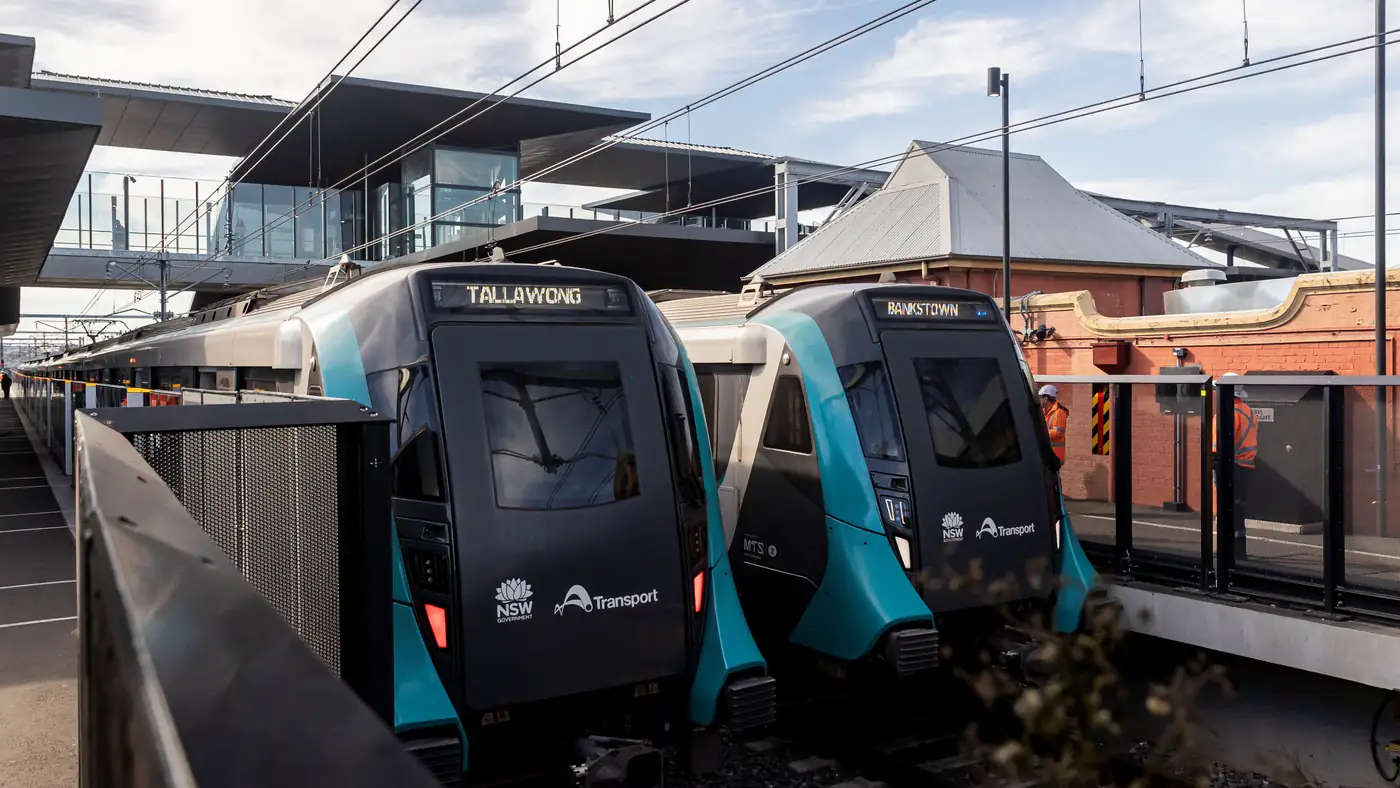
Complete guide to Sydney's Metro Southwest Bankstown line: timetable, fares, stations, Opal fares, parking, and commuter tips for the new line.