
Sydney Guides: Sydney for Students: The NSW Government provide
A comprehensive guide to Sydney for students, including universities, accommodation, and costs. Sydney is home to some of Australia's most prestigious.
7 min read

Freelancers in Sydney claim more than $2.8 billion in work-related expenses each year according to Australian Taxation Office data. A compliant home.
Business & Markets Desk is a contributing writer covering guides and public affairs for The Sydney Times.
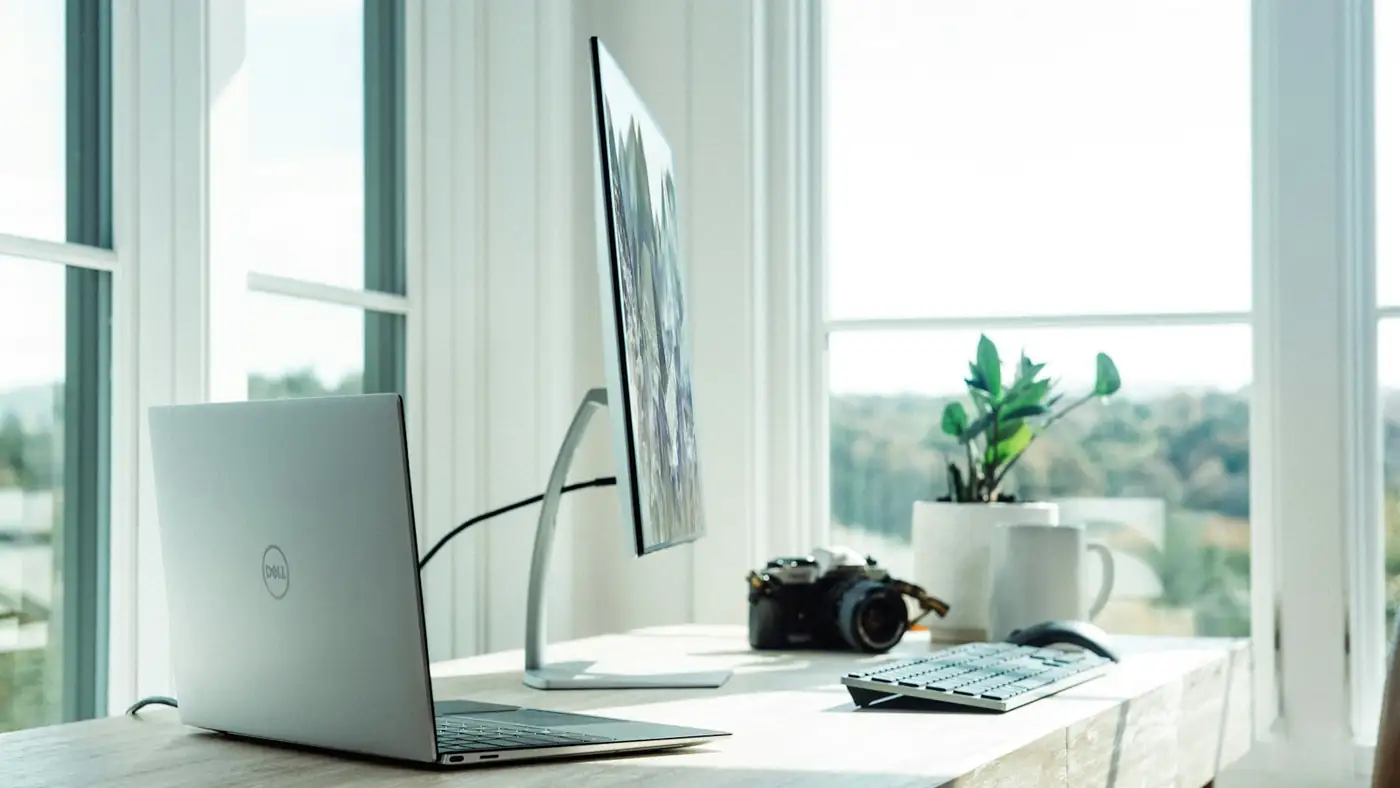
Freelancers in Sydney claim more than $2.8 billion in work-related expenses each year according to Australian Taxation Office data. A compliant home office setup allows you to deduct electricity, internet, phone, and equipment costs from your taxable income. The Australian Taxation Office requires that the workspace be used exclusively for work, meaning you cannot claim a portion of a room that you also use for entertainment or as a guest bedroom.
Sydney's inner-city apartments often lack dedicated office space, so many freelancers convert a spare room, a balcony corner, or a section of the living area. The ATO accepts a dedicated workspace even if it is a partitioned area within a larger room, provided you can show physical separation and exclusive work use.
Most Sydney homes are connected to the NBN. Use the NBN Co coverage map to check your address. The type of NBN connection determines your maximum upload and download speeds:
If your current NBN speed is insufficient for video calls and large file uploads, contact your retail service provider about upgrading to a business-grade plan. Business plans often include a static IP address, which is useful for hosting development servers or accessing remote work systems.
Residential internet plans are cheaper but may not offer the upload speeds or uptime guarantees required for client work. Business plans from Telstra, Optus, Aussie Broadband, and TPG start at around $70 to $90 per month and include a service level agreement.
For tax purposes, divide your annual internet cost by the number of days you work from home and multiply by the percentage of your home use that is work-related. The ATO allows a fixed-rate method of 67 cents per hour for home office expenses, which simplifies record keeping, or the actual cost method requiring detailed receipts and usage logs.
A functional home office needs:
Keep all receipts for equipment purchased for your home office. Equipment costing less than $300 can be deducted immediately. Equipment costing more than $300 must be depreciated over its effective life, which is typically three to five years for computers and monitors.
If you have not already done so, apply for an Australian Business Number through the Australian Business Register. An ABN allows you to invoice clients without withholding tax and claim business expenses. You must register for Goods and Services Tax if your annual turnover exceeds $75,000.
Once registered for an ABN, set up a separate bank account for business income and expenses. This simplifies tax preparation and provides a clear audit trail if the ATO requests records. Keep digital copies of all invoices, receipts, and bank statements for at least five years.
Freelancers are responsible for their own superannuation contributions. The ATO recommends contributing at least 11 percent of your taxable income to superannuation. You can claim a tax deduction for personal super contributions up to $27,500 per year, including employer contributions if you have any.
Consider professional indemnity insurance if your work involves advice or design services. Public liability insurance is also worth considering if clients visit your home office. Both are tax deductible.
If you do not have a spare room, use a room divider or a dedicated desk in a corner with clear boundaries. Take a photograph of your workspace showing that it is a separate, dedicated area. The ATO accepts this as evidence of exclusive work use during an audit.
Direct inquiries, corrections, or documentation concerning this dispatch to our editorial newsroom desk.
A comprehensive guide to Sydney for students, including universities, accommodation, and costs. Sydney is home to some of Australia's most prestigious.

A comprehensive guide to Sydney for families, including schools, parks, and activities. The city offers an exceptional range of family-friendly destinations.

A comprehensive guide to moving to Sydney, including neighbourhoods, transport, and costs. The guide covers everything you need to know about relocating.
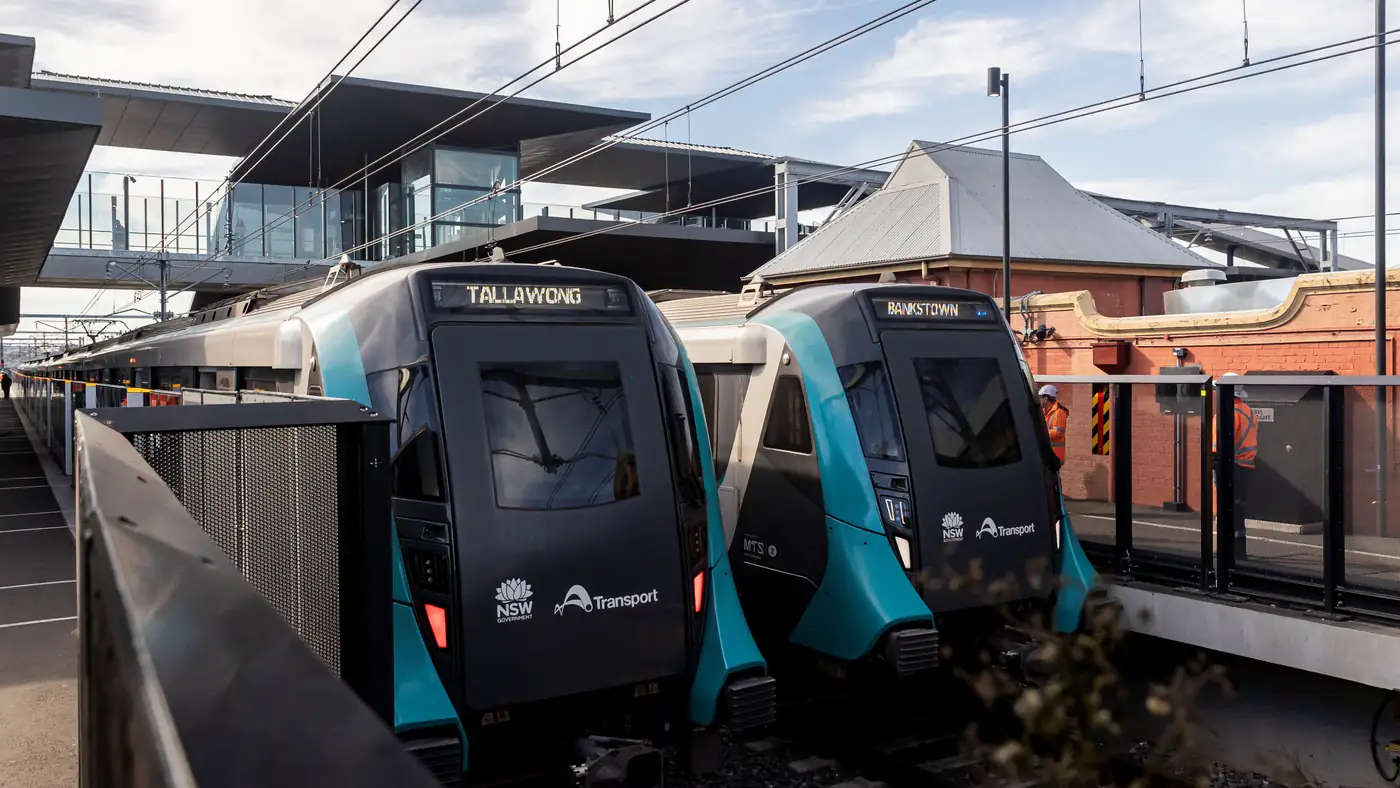
Complete guide to Sydney's Metro Southwest Bankstown line: timetable, fares, stations, Opal fares, parking, and commuter tips for the new line.