
Sydney Guides: Sydney for Students: The NSW Government provide
A comprehensive guide to Sydney for students, including universities, accommodation, and costs. Sydney is home to some of Australia's most prestigious.
7 min read

Driving these roads without a registered account or pass results in a toll notice with an additional administration fee of around $12 to $15 per trip.

The Sydney Times Desk is a contributing writer covering guides and public affairs for The Sydney Times.
Sydney has four major toll roads: WestConnex (M4, M8, M5), the Sydney Harbour Tunnel, the Eastern Distributor, and the M5 South-West. Driving these roads without a registered account or pass results in a toll notice with an additional administration fee of around $12 to $15 per trip. A return trip through the Harbour Tunnel and across the Harbour Bridge can cost over $25 without a pass.
A toll account links your vehicle registration number to a payment method so tolls are deducted automatically. The account also provides trip history, email receipts, and the ability to dispute incorrect charges.
Sydney's toll roads are operated by two providers: Linkt (operated by Transurban) and E-toll (operated by Icon/IFM Investors). Most motorists choose Linkt because it covers the widest network of roads.
If you regularly use multiple toll roads, Linkt is the simpler choice. You can compare toll prices on the Linkt website before deciding.
Visit linkt.com.au and click "Create Account." You will need:
Account creation takes about five minutes. Linkt sends a confirmation email with your account number. Keep this for future reference.
Once logged in, click "Add Vehicle" and enter your registration number, state of registration, and vehicle make and model. Linkt automatically matches the registration to its toll gantry records. If you have multiple vehicles, add each one separately. Motorbikes and light commercial vehicles are eligible for reduced toll rates on some roads.
Make sure your registration number is entered exactly as it appears on your number plates, including spaces and state identifiers. An incorrect entry delays toll matching and can result in a toll notice being issued in error.
Linkt offers three auto top-up triggers:
Auto top-up uses the credit or debit card linked to your account. You can set the top-up amount between $10 and $200. The system processes top-ups within one business day, so maintain a buffer if you use toll roads daily.
Your Linkt dashboard shows every toll trip charged to your account. Review this weekly for the first month to confirm that all trips belong to your vehicle. If a trip was charged to the wrong vehicle, dispute it through the Linkt website within 14 days. Late disputes incur additional processing fees.
You can download trip statements as CSV files for expense claims or tax records. Linkt retains trip history for seven years.
Never ignore a toll notice. Pay it within the due date, usually 14 days, to avoid late fees escalating to $150 or more. If you believe a notice was issued in error, photograph your number plates and the toll gantry location and submit evidence through the Linkt dispute process. If you sell your vehicle, remove it from your Linkt account immediately to avoid tolls charged to the new owner.
Direct inquiries, corrections, or documentation concerning this dispatch to our editorial newsroom desk.
A comprehensive guide to Sydney for students, including universities, accommodation, and costs. Sydney is home to some of Australia's most prestigious.

A comprehensive guide to Sydney for families, including schools, parks, and activities. The city offers an exceptional range of family-friendly destinations.

A comprehensive guide to moving to Sydney, including neighbourhoods, transport, and costs. The guide covers everything you need to know about relocating.
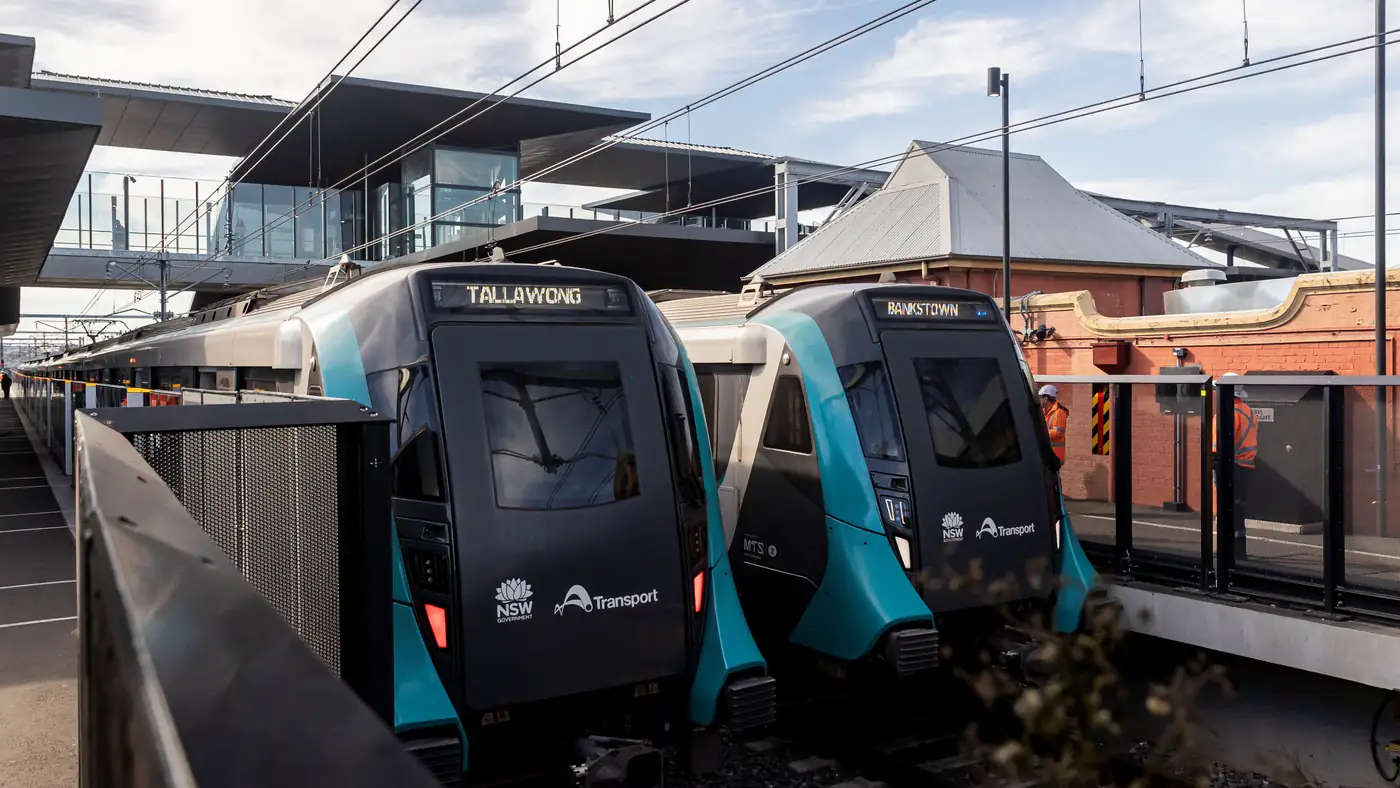
Complete guide to Sydney's Metro Southwest Bankstown line: timetable, fares, stations, Opal fares, parking, and commuter tips for the new line.