
Sydney Tech: 5G Network Expansion
Sydney's 5G network expansion is accelerating as coverage improves. The major telecommunications providers are expanding their 5G networks across the
5 min read

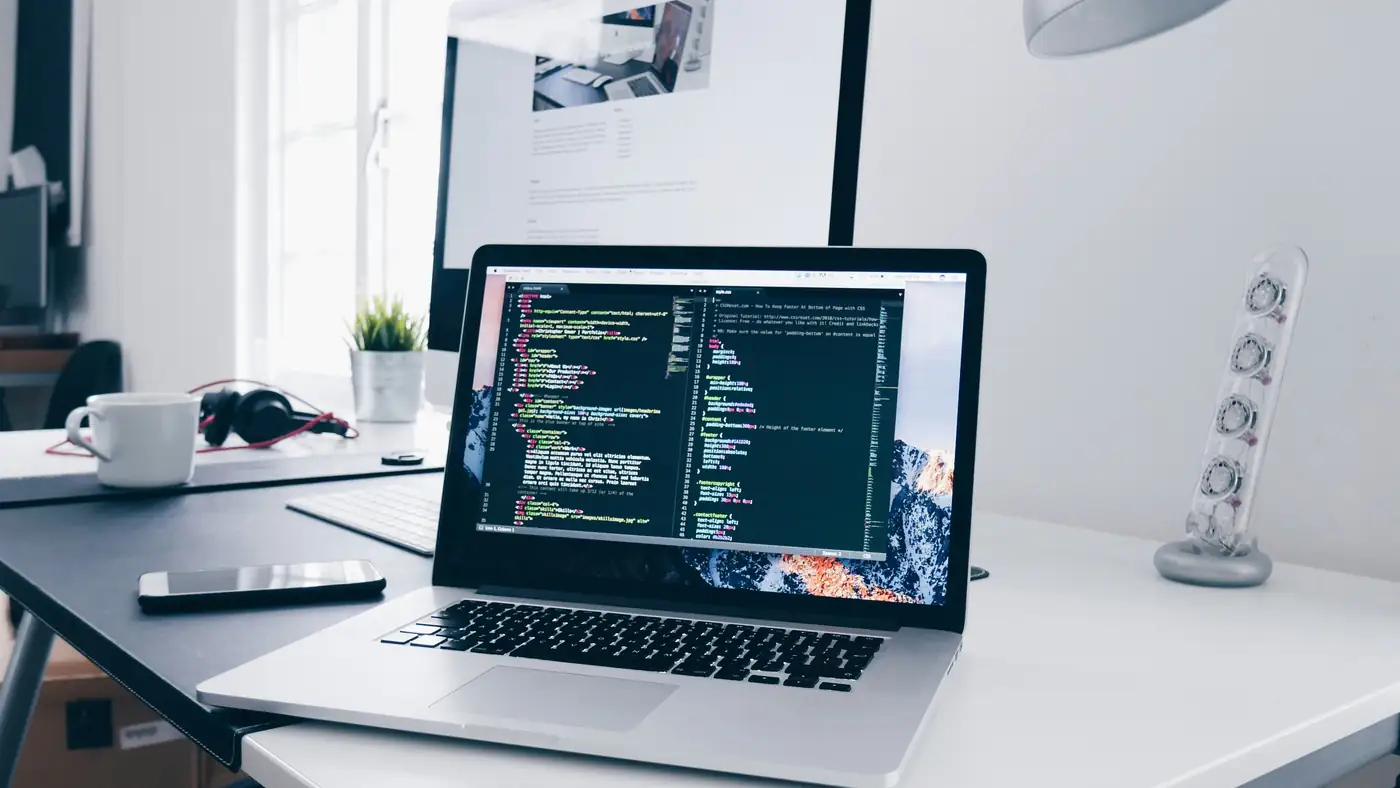
Developers need battery life, memory, and screen real estate. These are the best coding laptops for Australian developers, tested on real builds.
Tech & Ideas Desk is a contributing writer covering tech and public affairs for The Sydney Times.
The best coding laptop in 2026 is decided by three things: memory, battery life, and a screen you can stare at for eight hours. Raw processor speed stopped mattering years ago for most development work. What matters is running a Docker container, an IDE, and a browser with forty tabs without the fan screaming.
Australian developers face a second constraint: local pricing. Import duties and a thin local market mean the Sydney price often runs 10 to 15 percent above the US list price, which changes the value equation for mid-range machines.
The MacBook Pro with Apple's M4 chip remains the safest recommendation for most developers. Battery life regularly exceeds ten hours under real compiler loads, the terminal runs natively, and the ARM ecosystem has matured to the point where Docker and Node tooling just works. The 24GB memory configuration is the sweet spot for serious work.
The trade-off is repairability and gaming. If you need to run Windows-only tooling or a GPU-hungry local model, look elsewhere.
Lenovo's ThinkPad X1 Carbon keeps its crown for developers who live in a terminal. The keyboard is still the best in the business, the chassis is light, and Linux support is excellent out of the box. The 32GB memory option handles large builds, and the screen is bright enough for outdoor co-working.
The X1 Carbon also wins on repairability, with user-replaceable memory and storage on most configurations. That matters over a five-year ownership period.
Framework's Laptop 16 is the choice for developers who want control over their hardware. Every major component is user-replaceable, the ports are modular, and the machine ships with a Linux option that avoids the Windows bloatware tax. The 2026 refresh adds a 16-inch 240Hz panel that doubles as a solid terminal display.
The compromise is battery life, which runs two to three hours shorter than the MacBook under similar loads, and a support footprint that is thinner in Australia.
Developers on a student or graduate budget should target 16GB of memory minimum, an SSD, and a 1080p screen. Machines in the AU$1,200 to AU$1,600 range from the major brands handle web development, scripting, and light container work without complaint. Avoid 8GB configurations in 2026, because modern IDEs and browsers consume that quickly.
Repairability is the quiet spec that matters over a five-year ownership period. The ThinkPad X1 Carbon and the Framework Laptop both offer user-replaceable memory and storage, which extends the useful life and avoids the landfill. The MacBook Pro is the least repairable of the three, with soldered memory on most configurations.
The Framework site publishes the repair guides, and the ThinkPad maintenance manual is available from Lenovo.
The screen detail is the panel, and the 1080p minimum is the floor for terminal work. The 16-inch panels on the Framework and the MacBook Pro are the comfortable option, and the external monitor is the desk upgrade.
The Linux setup is the deciding factor for developers who live in the terminal. The ThinkPad and the Framework ship with Linux options, and the driver support is excellent. The MacBook Pro runs Linux poorly on Apple silicon, which is the trade-off for the battery life.
Memory is the first spec, and 16GB is the floor in 2026. The IDE, the browser, and the container runtime each consume gigabytes, and 8GB machines swap to disk under load. Storage is the second spec, and a 512GB SSD is the minimum for a developer who runs Docker images.
The processor matters less than it did, because most compilation is short and bursty. The M4 and the latest Intel and AMD chips all handle it. The screen is the third spec, and a 1080p panel is the floor, with 1440p the comfort choice for long sessions.
The AU$1,600 to AU$2,200 tier is where the value sits. Machines in this range offer 32GB of memory, a fast SSD, and a good screen, and they run everything a developer needs without the premium price of the flagship models.
The Atlassian engineering blog publishes its internal hardware standards, which are a useful benchmark for what professional teams expect.
Australian buyers should check the local warranty and the return policy before ordering from overseas. The local price premium buys a local warranty, which is worth the difference for a machine you rely on for work.
The Atlassian engineering blog publishes its internal tooling standards, which are a useful reference for what professional teams expect from developer hardware. Our AI jobs market report covers what Sydney employers are paying for the roles that use these machines. Explore more developer tooling analysis at the Tech & Ideas hub
Direct inquiries, corrections, or documentation concerning this dispatch to our editorial newsroom desk.
Sydney's 5G network expansion is accelerating as coverage improves. The major telecommunications providers are expanding their 5G networks across the

Sydney's quantum computing sector is attracting significant investment and talent.

Sydney businesses are accelerating their cloud computing adoption as migration costs fall. The trend is reshaping how organisations across the

Sydney businesses face increasing cybersecurity threats as attack volumes rise. The surge in cyberattacks is prompting organisations across the